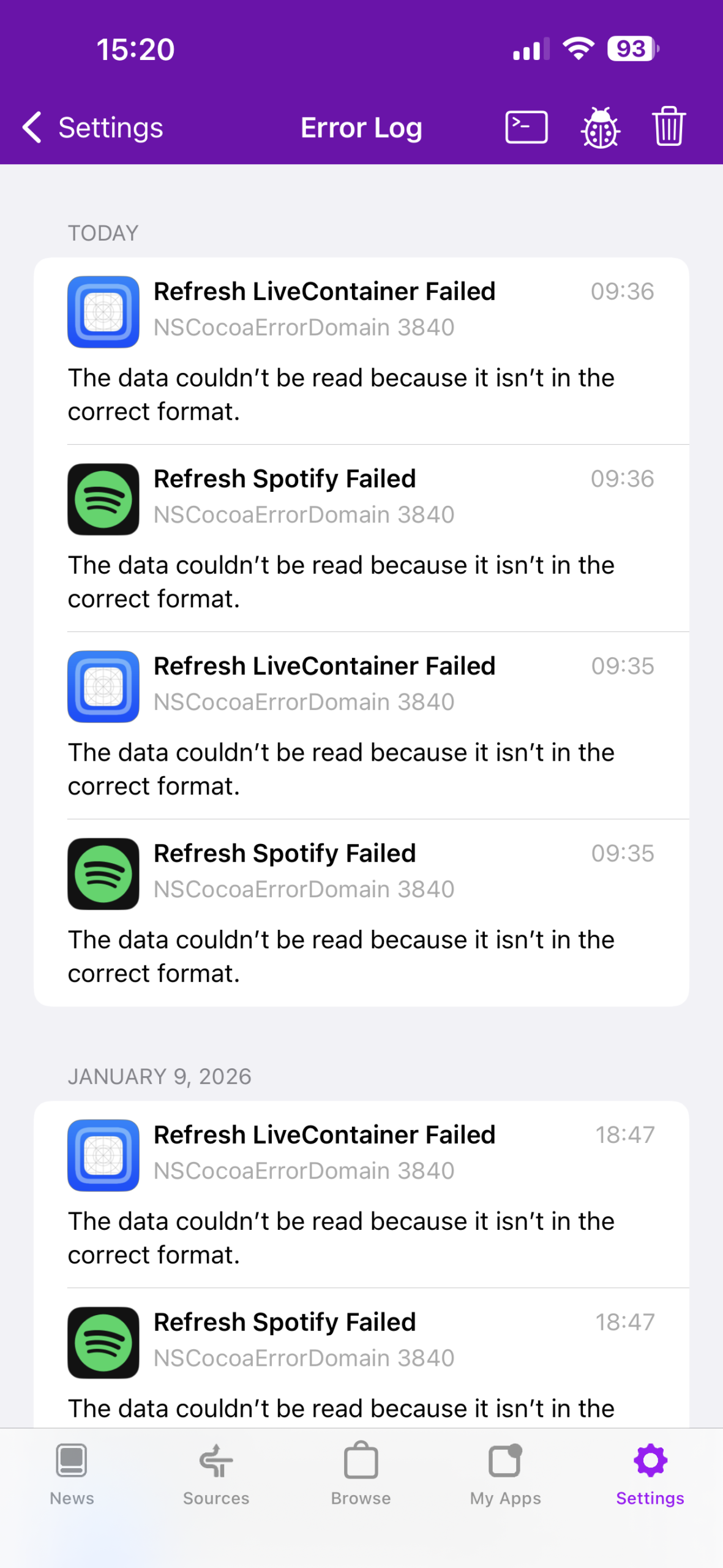
近期,在使用altstore刷新app时,出现了如下错误:
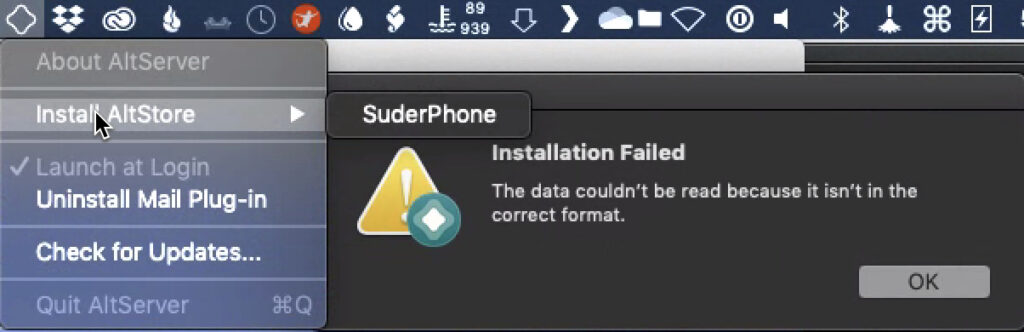
The data couldn’t be read because it isn’t in the correct format.
导致app过期,无法继续使用
原因分析
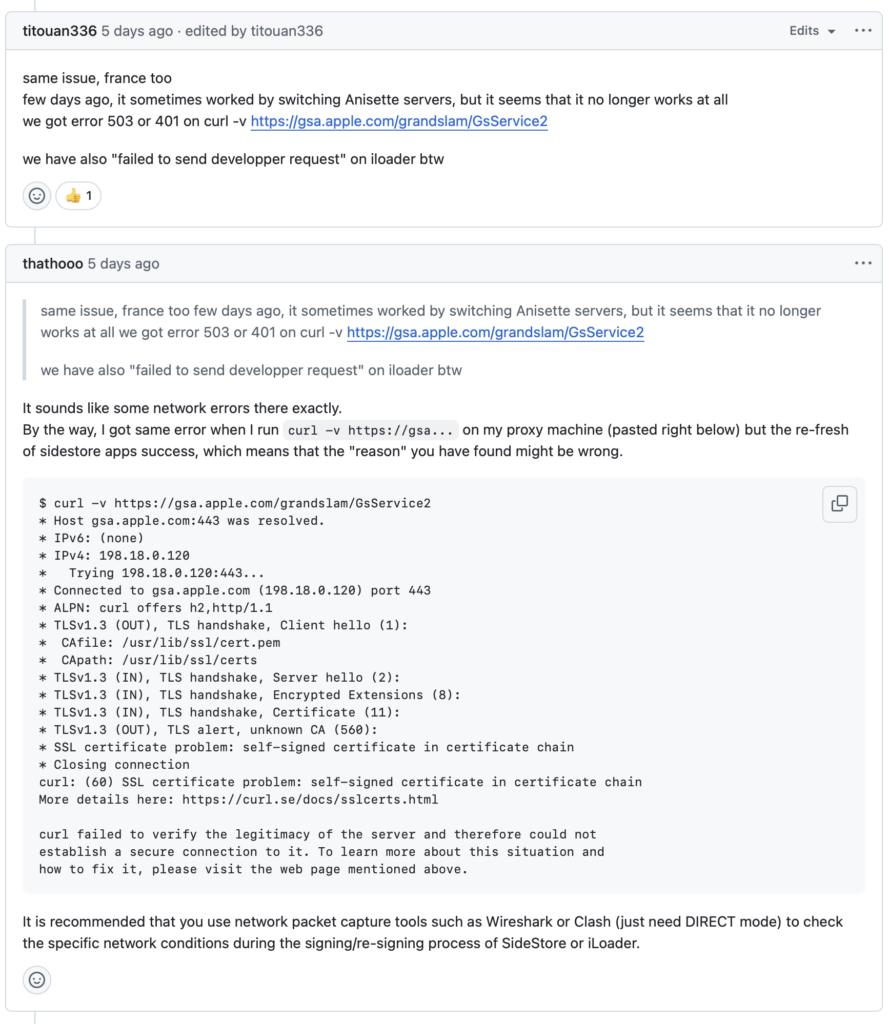
github上的这个issue分析的比较全面:https://github.com/SideStore/SideStore/issues/1146
具体原始是这个:
https://gsa.apple.com/grandslam/GsService2这个url在国内不能正常访问了,导致一系列的连锁反应,最终看到了开头说的那个错误。
不管使用altstore,还是sidesotre,其本质都是这个原因
解决办法
对于使用altstore的用户,需要在电脑端和手机端,同时把 `gsa.apple.com` 域名加入到可用魔法的规则列表中
对于使用sidestore等无需电脑刷新的用户,因刷新app前需要连接stosvpn之类的软件,导致无法使用魔法,此时需要先将手机设置可使用魔法的代理,然后在开启stosvpn之类的软件,打开sidestore进行刷新
我是altstore的用户,添加了如下两个域名规则:
gsa.apple.com
cdn.altstore.io
救急办法
如果实在没有魔法,可以用这个方法试试:

大意:关闭手机wifi使用5g,打开stosvpn,点击刷新,然后马上打开wifi,就可以了
能不能成,就看手速了